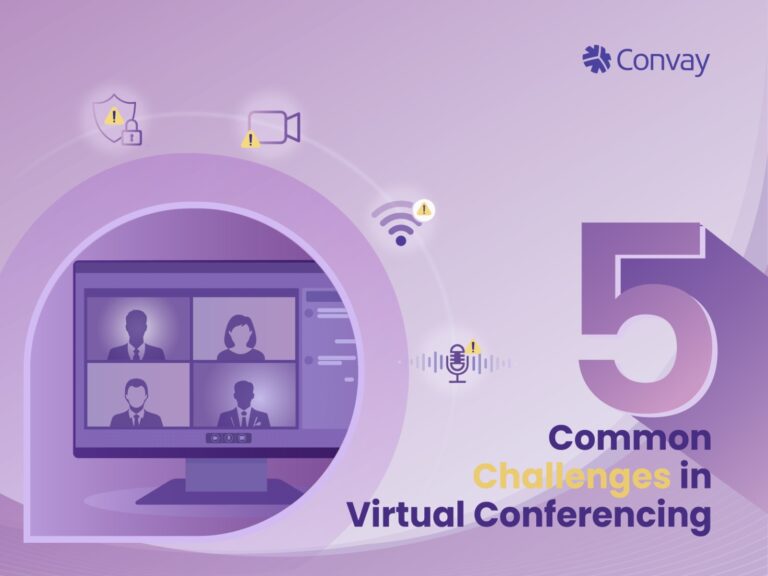
5 Common Challenges in Virtual Conferencing
5 Common Challenges in Virtual Conferencing As the world increasingly embraces virtual communication, the convenience of connecting with anyone, anywhere is unparalleled. However, the
Read postIn organization management, admins have the authority to customize permissions and manage every aspect. You can manage one team or an entire organization by assigning roles, set boundaries, and track every action in real time with a simple dashboard.
Create and assign roles with precise permissions, controlling what users can do across the platform.
Admins and hosts can mute, remove participants, or set waiting rooms, giving full command over sessions.
Set reports to run on schedule, providing real-time visibility into user activity and policy violations.
Every login, device, and session request is verified before access in organization management.
Assign custom access levels for admins, hosts, and users effortlessly.
Set layered admin roles across departments or branches.
Create and apply organization-wide security and access policies.
Track user actions, meeting activity, and system usage instantly.
View detailed logs of who accessed what and when.
Modify permissions on the fly without disrupting sessions.
Manage logins via SSO, MFA, or LDAP-based authentication.
Limit access to specific domains or network addresses.
Approve or block devices used to join meetings or access data.
Get instant notifications when policy violations occur.
Define who can download, record, or share sensitive content.
Encrypt and store admin settings for safe recovery.
Every department and division gets defined roles and permissions. Nothing happens without authorization, and every action leaves a verified trace with an audit log and real-time tracking.
Administrators can control who joins which class, who shares materials, and who accesses student data. Simply control your digital learning environment.
Only authorized teams can view or edit confidential data. Convay ensures no overlap, no accidental exposure.
Whether managing a small team or thousands of employees, Convay scales administrative control seamlessly without complexity. Convay keeps your organization structured and help you to grow.
Set permissions and oversee meetings easily with admin tools.
Keep everything safe, focusing on smooth operations.
5 Common Challenges in Virtual Conferencing As the world increasingly embraces virtual communication, the convenience of connecting with anyone, anywhere is unparalleled. However, the
Read post
Introduction The shift to remote and hybrid work has created a boom in video conferencing and online meeting platforms. They are central to how governments
Read post
The shift to digital collaboration has transformed how governments, enterprises, and educational institutions connect and operate. With teams distributed across locations and sensitive data being
Read post
Convay vs Microsoft Teams: Which Collaboration Platform Wins in 2025? Meta Description This article delivers a comprehensive Convay vs Microsoft Teams comparison for 2025. We
Read postGranular Admin Controls let you define exactly who can access, edit, or share information within your organizational management.
Absolutely. You can delegate administrative power to local or departmental admins while keeping overall system oversight centralized.
Admins can instantly revoke or modify access rights in real time. Convay immediately updates the permission system without downtime.
Convay is a secure, sovereign video collaboration platform built for governments, enterprises, and institutions. Stay connected with full control over your data—no compromises.
Convay © 2026 All rights reserved.