5 Common Challenges in Virtual Conferencing
5 Common Challenges in Virtual Conferencing As the world increasingly embraces virtual communication, the convenience of connecting with anyone, anywhere is unparalleled. However, the
Read postConvay Room gives your team a secure, seamless space to meet, share, and collaborate. Set it up once, and host every discussion through HD video, chat, file sharing, etc. in all in one smart, secure room.

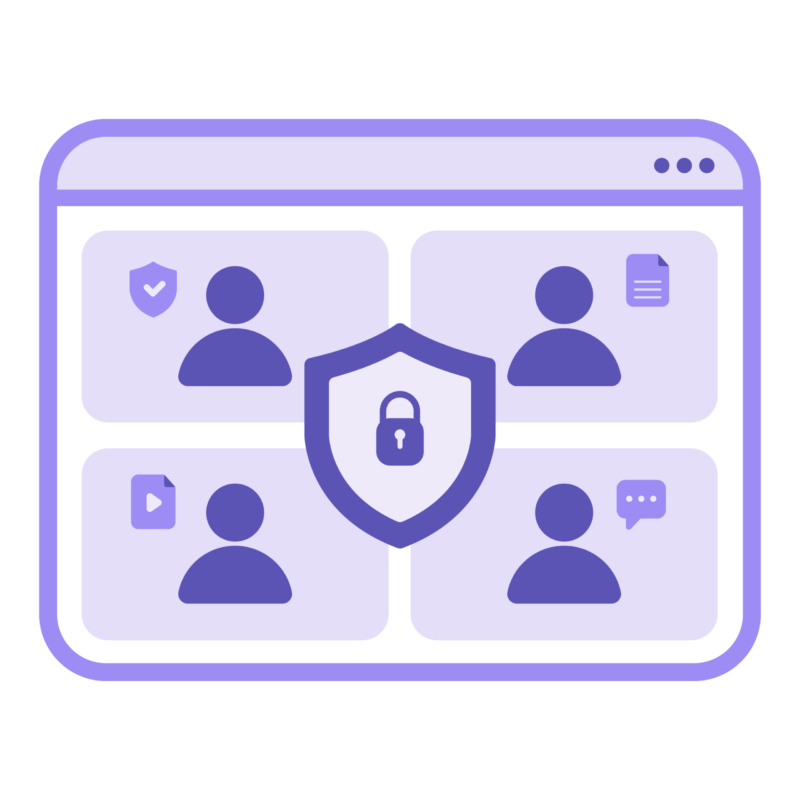
Decide who enters your meeting with host controls, waiting rooms, and room locks.
Keep track of previous sessions, decisions, and action items to collaborate smoothly.
Assign hosts, moderators, and participants with specific permissions to match your workflow.
Keep all your files in one secure place which are easy to find and easy to manage.
Keep rooms open for recurring or ongoing sessions.
Add your logo and colors for a professional look.
Control who can join, present, or manage meetings.
Start meetings in seconds with no setup.
Retain room preferences and access controls.
Access rooms across mobile, web, or desktop.
Ensure every meeting stays private and secure.
Collaborate visually and communicate seamlessly.
Keep participants engaged through interactivity.
Record sessions safely and replay anytime.
Receive automatic meeting summaries after discussions.
Track who joined and what actions occurred.
Host confidential discussions, policy briefings, and committee meetings in private rooms. Stay secured while collaborating by tracking attendance, discussions and files.
Keep course materials, recordings, and notes in one permanent classroom. Educators can reopen previous rooms to continue discussions or replay sessions and learners can return anytime to review and learn.
Maintain accountability in every call. All conversations, approvals, and shared files stay protected within one secure room by end-to-end encryption.
Create rooms that work like virtual offices, so teams always know where to meet, brainstorm, and build. Each department or project gets its own dedicated meeting space that’s always ready.
Meet, plan, and share seamlessly in Convay room.
Keep your communication private, sharp, and seamless.
5 Common Challenges in Virtual Conferencing As the world increasingly embraces virtual communication, the convenience of connecting with anyone, anywhere is unparalleled. However, the
Read post

Introduction The shift to remote and hybrid work has created a boom in video conferencing and online meeting platforms. They are central to how governments
Read post
The shift to digital collaboration has transformed how governments, enterprises, and educational institutions connect and operate. With teams distributed across locations and sensitive data being
Read post
Convay vs Microsoft Teams: Which Collaboration Platform Wins in 2025? Meta Description This article delivers a comprehensive Convay vs Microsoft Teams comparison for 2025. We
Read postA Convay Room is your secure virtual meeting space — built for ongoing or one-time use. Each room keeps its settings, files, and history, so your team can meet anytime without re-creating the setup.
Yes. Convay Rooms are persistent, meaning they stay available for repeated use. Whether it’s daily standups or weekly board meetings, your room is always ready to go.
Definitely. Convay Rooms can host small team calls or large-scale events with thousands of participants, without lag or quality loss.
All files, messages, and meeting data remain securely stored in Convay Drive, accessible only to authorized participants.
Convay is a secure, sovereign video collaboration platform built for governments, enterprises, and institutions. Stay connected with full control over your data—no compromises.
Convay © 2026 All rights reserved.